
Google Play Store PC
Google Play is Google's digital distribution platform. On Windows, Google offers Play content through the browser and Google Play Games on PC.
52.9 MB
FAT32Format is a tiny free Windows tool from Ridgecrop Consultants that formats large disks and USB drives with the FAT32 file system.
Average 0.0 · ratings: 0
Thank you! Your rating is saved; you can change it. Could not save the rating. Please try again later. Too many ratings from your network today. Please try again tomorrow. The average appears after 5 ratings.
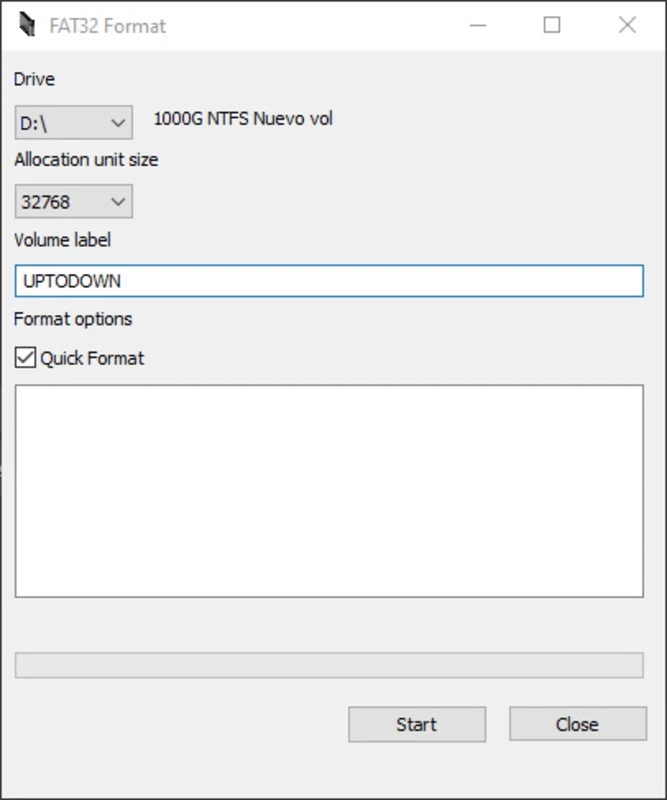
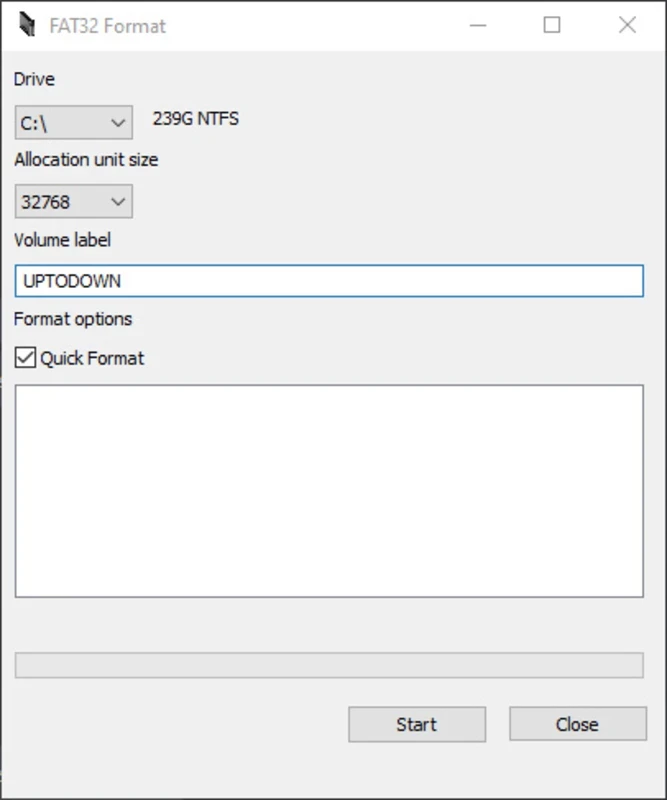
FAT32Format 1.01 is a tiny free Windows tool from Ridgecrop Consultants that formats large hard drives, memory cards and USB sticks with the FAT32 file system. People download FAT32Format for Windows when the built-in format dialog does not offer FAT32 for a big drive.
FAT32 is an old file system, but it is still the one that almost every device understands: game consoles, car radios, cameras, TV boxes, 3D printers and many embedded devices read FAT32 and nothing else. Windows can read and write large FAT32 drives, yet its own formatting tools only create FAT32 on relatively small volumes and suggest NTFS or exFAT for anything bigger. That is where FAT32Format helps. It creates a FAT32 volume on a large drive quickly, without the long and sometimes failing process of the standard tools. Keep in mind that FAT32 cannot store single files larger than about 4 GB, so it suits music, photos, documents and device firmware better than large video files or disk images. If your device supports exFAT, that is usually the better choice.
The program runs on Windows and needs administrator rights. There is no installation: the download is the program itself.
The tool is safe when you take it from Ridgecrop's site, but it is as dangerous as any formatter in one respect: choosing the wrong drive letter wipes the wrong disk. Disconnect other external drives before you start so there is nothing to confuse.
FAT32Format is freeware.
If formatting fails, close any program that may be using the drive, such as a file manager window or an antivirus scan, and try again. A drive that keeps failing may be damaged, and no formatter will fix that; check its health first.
Check the manual of the device first. If it lists exFAT, use exFAT and the standard Windows tools; you avoid the file size limit and need no extra program. Choose FAT32 only when the device insists on it, or when the drive must work on very old computers and gadgets too.
Related disk tools on our site include Rufus for bootable USB drives, UltraISO for disc images and Victoria HDD/SSD for checking drive health.
Google Play is Google's digital distribution platform. On Windows, Google offers Play content through the browser and Google Play Games on PC.
Media Creation Tool is a free Microsoft utility that downloads Windows and turns it into a bootable USB flash drive or an ISO file.

LDPlayer is an Android emulator for Windows that runs mobile apps and games on a computer.

BlueStacks is an Android emulator for Windows that lets you run Android apps and games on your PC.
Rufus is a free Windows utility that turns a USB stick into a bootable installer. The current version is 4.15.

PC App Store is a free software store for Windows from Baidu for finding, installing and updating PC programs. This page covers version 5.0.1.8682.

Uptodown App Store for Windows is the desktop client of Uptodown, a marketplace for desktop software and mobile apps. This page covers version 1.0.3.

NoxPlayer is a free Android emulator from Bignox for Windows and macOS that runs mobile games and apps on a computer with keyboard and mouse control.